Signatures at the Speed of Business
Tired of documents getting buried in email chains? A+ Paperless gives every signer a clear path from upload to final approval, and you can watch the whole thing unfold in real time. Fast, structured, court-ready. Why keep chasing signatures the old way?

Need approvals to move faster without losing control? This flow was built for teams that want both.
How the flow works
From preparation to completion, every step is visible and easy to follow. Want fewer handoffs and less guesswork?

Upload your document, name the workflow, and set the order before anyone signs. That means no messy back-and-forth and no confusing version history. Why not get the structure right first?

Set sequential or parallel signing, add groups, and keep every recipient in the loop. The process stays simple on any device, and nobody needs an account to take action.
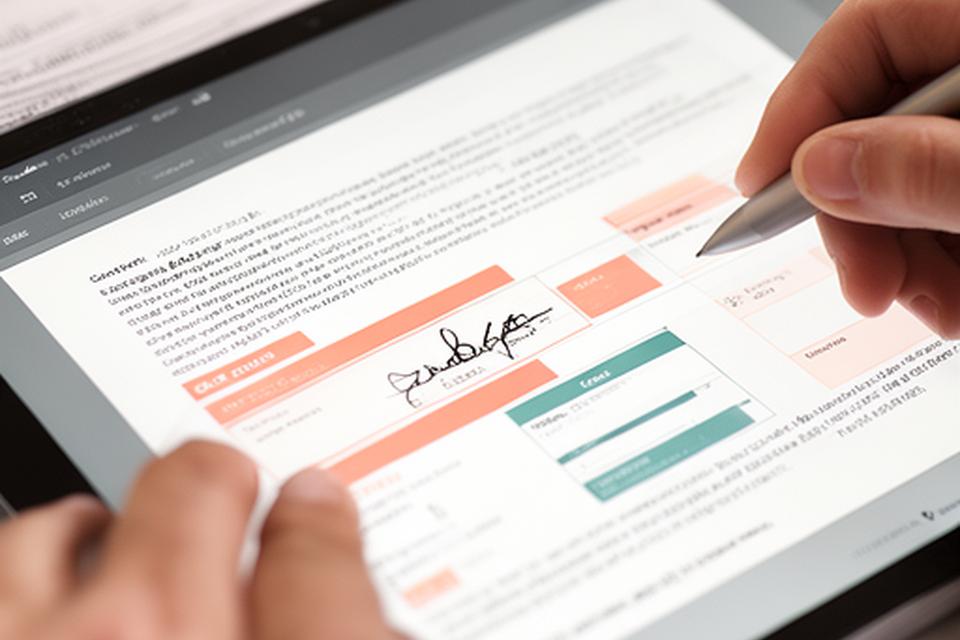
Drop signature, initial, date, and checkbox fields exactly where they belong. The result is cleaner approvals, fewer mistakes, and less time spent correcting avoidable errors.
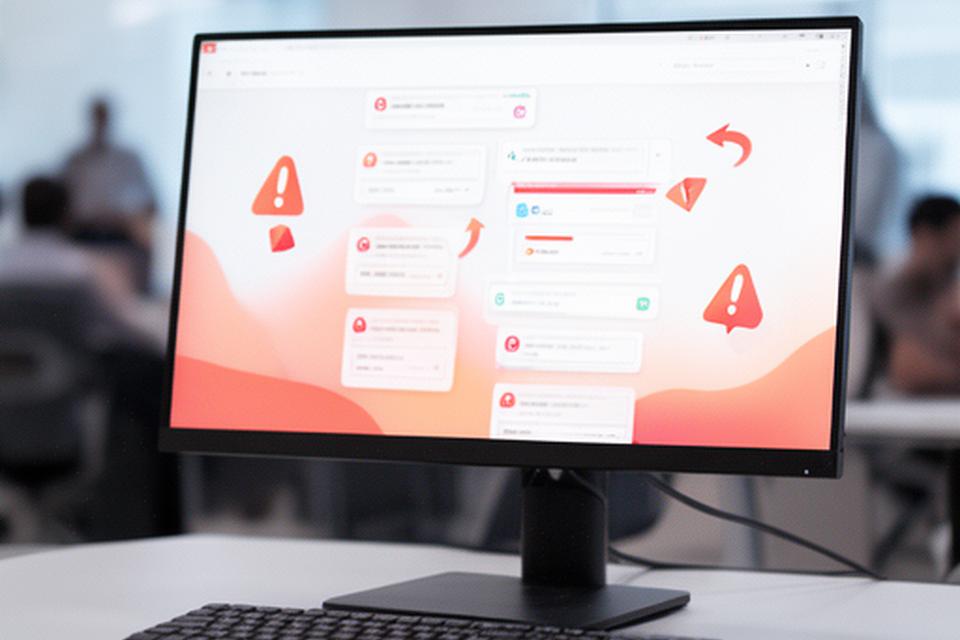
Send for signature, trigger reminders, and let the system handle the follow-up. No one has to manually chase a reply. Isn’t that the point of automation?
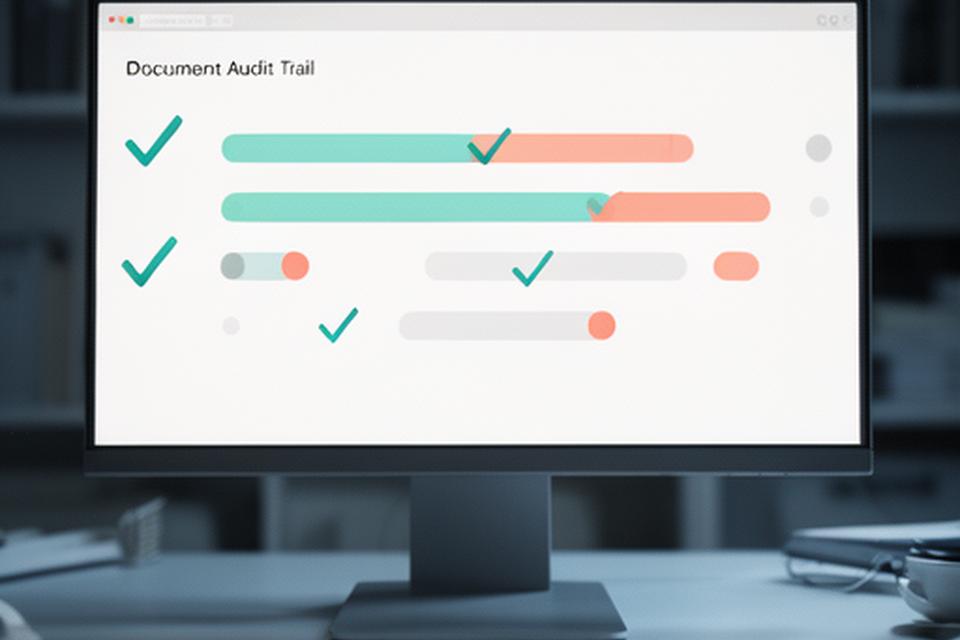
See who opened, signed, and finished the document. Every event is recorded, so you get a clean audit trail when you need proof later.
Know exactly where each document stands
A live-style dashboard makes signature tracking obvious. Who signed already? Who still needs a reminder?
Automatic reminders reduce stalls, and every signer gets a clear next step. If someone pauses, the workflow doesn’t disappear into a shared inbox. It stays visible, measurable, and ready to finish.
Manual vs. digital — the difference is clear
Paper pushes work backward. A digital workflow removes the pileup. Which side do you want running your approvals?
Fits right into your tools
Keep the systems you already trust. We connect the workflow without turning your process upside down.
Move documents from Drive, Dropbox, or OneDrive, then push updates into your CRM through Zapier or a custom API. Want a workflow that behaves like part of your team? This is it.
Drive, Dropbox, OneDrive.
Zapier and custom routing.
API-ready
Build document flows around your own logic.
Audit-friendly
Keep every step logged and reviewable.
Docs that stay connected
Pull in files and send updates where they matter.
Workflow questions, answered
A quick FAQ for teams that need clarity before they switch.
Can I set signing order?
Yes. You can route documents sequentially or send them to a group at once. That gives you control when approvals need a strict order.
What if a signer declines?
The workflow records the action and lets you decide the next move. You’ll always know where the process stopped.
How do I know the document is complete?
Once the final signer finishes, the status updates and a tamper-evident certificate is generated automatically.
Is there a bulk send option?
Yes. Bulk send keeps repetitive approvals organised, which is a big help for onboarding, renewals, and recurring document packs.
Accelerate every approval
Your first workflow is minutes away. Ready to move faster?